If you've ever tried to source 3D car models for a Unity project, you know the pain. Asset stores are hit-or-miss. Hiring a 3D artist costs time and money. And modeling a car yourself? That's weeks of work even for an experienced artist.
There's a faster path now. AI can generate a game-ready car model from a single photo, complete with separated wheels and PBR textures.
Why Car Models Are Uniquely Difficult
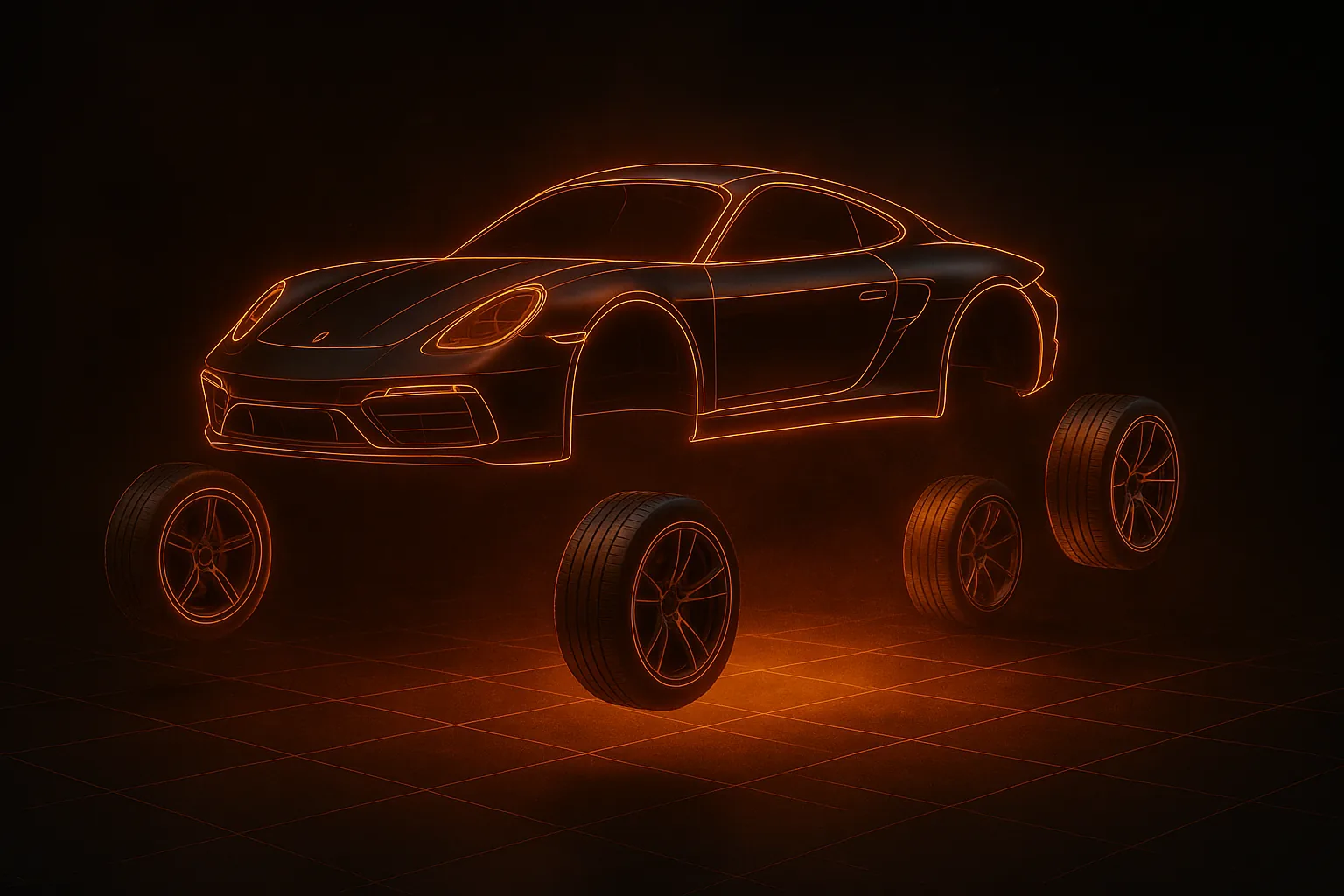
Cars are one of the hardest things to model well in 3D. The surfaces are mostly reflective, the proportions need to be exact, and for games, you need the wheels separated from the body so they can rotate independently. That wheel separation step alone adds hours to a manual workflow.
This is exactly where AI generation has a surprising advantage. Tools trained on automotive data understand car anatomy — they know where the wheels are, how fenders curve, where the glass meets the metal. The best ones automatically segment the wheels as separate meshes, which is exactly what Unity's wheel collider system expects.
Step 1: Get a Good Photo of the Car
- 3/4 angle is ideal — shoot from slightly above and to the side, this gives the AI the most information about the car's shape
- Clean background — a parking lot works fine, just avoid other cars overlapping your subject
- Decent resolution — a phone camera is enough, 720p minimum
Step 2: Generate the Model
On HiGen3D's generator, upload your car photo. The AI automatically detects it's a vehicle and enables wheel segmentation. Wait about 30 seconds. You get a GLB file with the car body as one mesh and each wheel as a separate child object.
Step 3: Import Into Unity
Drag the GLB file into your Unity project's Assets folder. Unity 2020.3+ handles GLB natively. You'll see the hierarchy: CarBody, Wheel_FL, Wheel_FR, Wheel_RL, Wheel_RR. The wheels are already positioned correctly with pivot points at each wheel center.
Step 4: Set Up the Vehicle
- Add a Rigidbody to the root GameObject (1500 kg for a sedan)
- Add a Box Collider to the car body for the chassis
- Add Wheel Colliders at each wheel position
- Write a car controller script that applies motor torque and syncs visual wheel meshes
Because the wheels are already separate meshes with correct pivots, you skip the most tedious part of car setup in Unity. The AI did that for you.
Conclusion
The workflow of photo to AI generation to Unity used to be science fiction. Now it takes about five minutes. For game developers who need vehicle assets — especially indie teams — this is a genuine shortcut that produces quality results.
Try it with your own car photo and see how the result looks in your project.