
A few years ago, turning a photo into a 3D model meant hours of work in Blender or Maya. You'd need to know topology, UV unwrapping, texturing — the whole pipeline. Today, AI does it in about 30 seconds.
This isn't some distant promise. The technology is here, it works, and it's accessible to anyone with a browser.
What "Photo to 3D" Actually Means
When we talk about converting a photo to a 3D model, we mean taking a single 2D image and generating a full three-dimensional mesh with textures. The AI looks at your photo, understands the shape of the object, and reconstructs what it would look like from every angle — including the parts you can't see in the original image.
The output is typically a GLB file (the binary version of glTF). You can drop it straight into Unity, Unreal Engine, Blender, Three.js, or pretty much any modern 3D application.
Step-by-Step: Generating Your First 3D Model
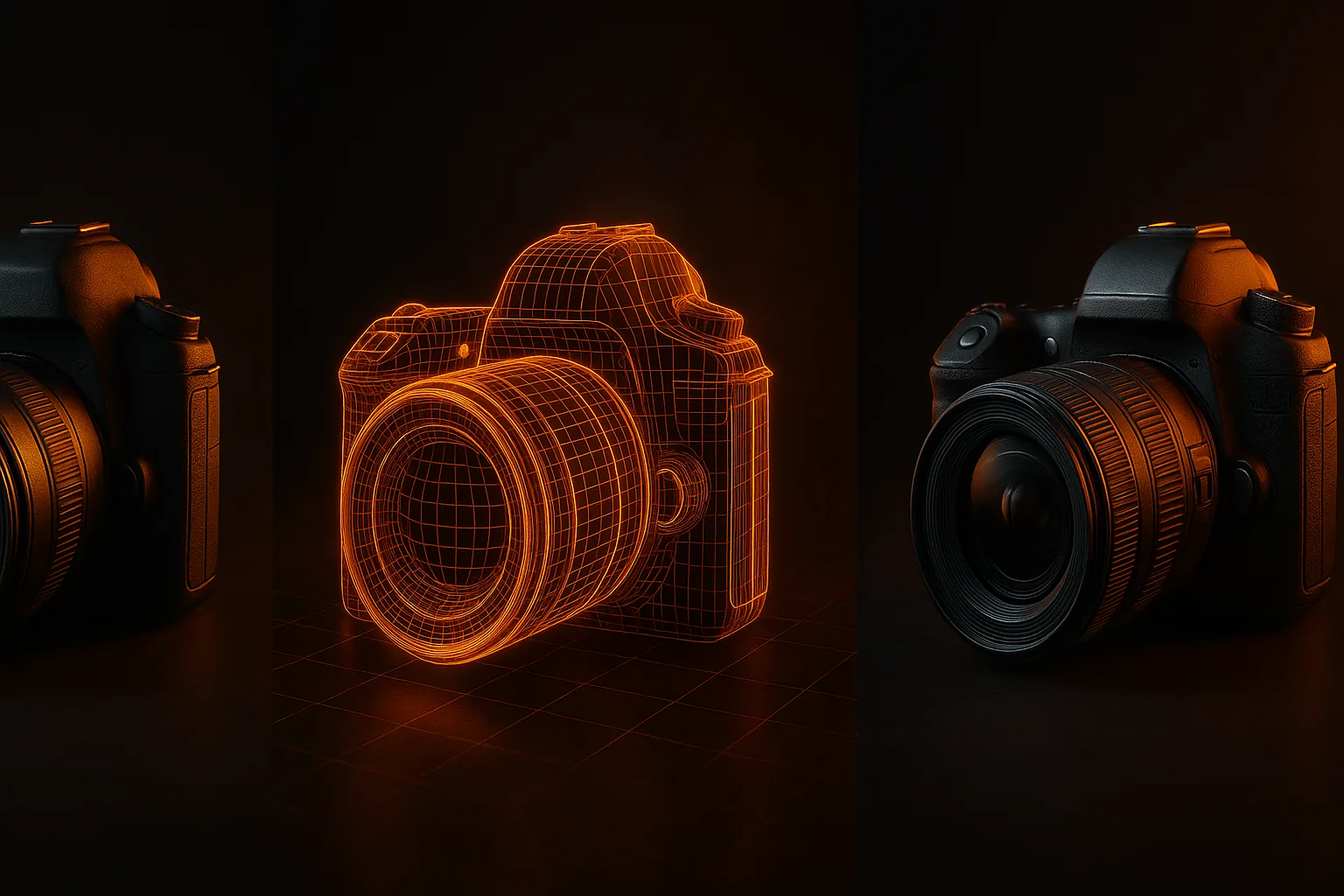
1. Choose Your Photo
- Clear subject — the object should be the main focus
- Good lighting — even, natural light works best
- Decent resolution — 720p minimum, a phone camera is enough
- Object fills the frame — crop tight around the subject
2. Upload and Configure
On HiGen3D's generator, upload your image and pick quality mode, polygon count, and texture format.
3. Wait ~30 Seconds
The AI processes your image on cloud GPUs. For vehicles, it automatically identifies and separates wheels from the body. For other objects, it generates a clean mesh with proper topology.
4. Download and Use
Your model comes as a GLB file with PBR textures baked in — albedo, normal map, roughness, and metallic. Import it into your engine and it's ready to render.
Tips for Better Results
Vehicles are where this technology really shines. The AI has been extensively trained on automotive data.
For other objects — furniture, characters, props — simple, well-defined shapes generate near-perfectly. Complex organic shapes are trickier. The technology improves every month.
The Bottom Line
AI 3D generation has crossed the threshold from "cool demo" to "actually useful tool." For many use cases — especially game development and visualization — the output is production-ready without any manual cleanup.
If you've never tried it, the generator is free to use. Upload a photo, see what comes out.