
If you need a 3D model of a real object in 2026, you have two serious options: shoot a hundred photos and run them through photogrammetry, or hand one photo to an AI generator and wait thirty seconds. Both produce GLB files. Both can end up in Unity, Unreal, or Blender. But they get there along completely different routes, and the choice between them matters more than people realize.
This piece walks through how each method actually works, where the math breaks down, and which one is the right pick for a given job.
How Photogrammetry Works
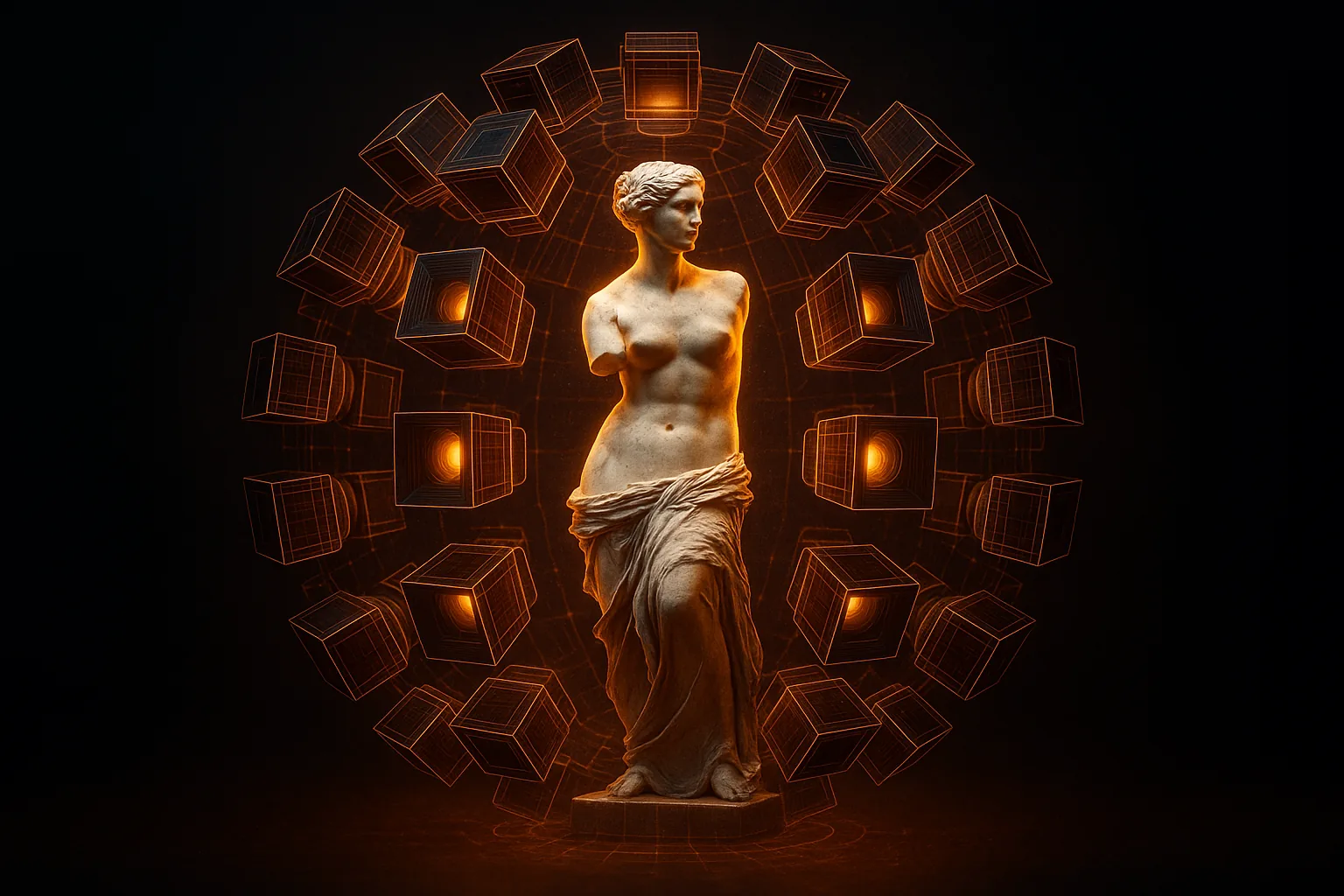
Photogrammetry is a measurement technique. You walk around an object taking 50 to 150 overlapping photographs from every angle. Software like RealityCapture, Metashape, or Polycam finds matching feature points between images, solves for camera positions through a process called structure-from-motion, and then triangulates a dense point cloud. That point cloud gets meshed, the mesh gets cleaned, the photos get reprojected as textures.
For a small object on a turntable, the capture takes maybe 15 minutes. Processing on a decent workstation runs from 20 minutes for a low-res preview to several hours, or even days, for a high-resolution scan with textures baked at 8K. Large objects — buildings, monuments, terrain — push capture into the realm of drone surveys and processing into the realm of overnight render farms.
The output is geometrically faithful. Every bump, scratch, and surface detail that the cameras saw ends up in the mesh. If you measure the model with calipers, the numbers match reality.
How AI 3D Generation Works
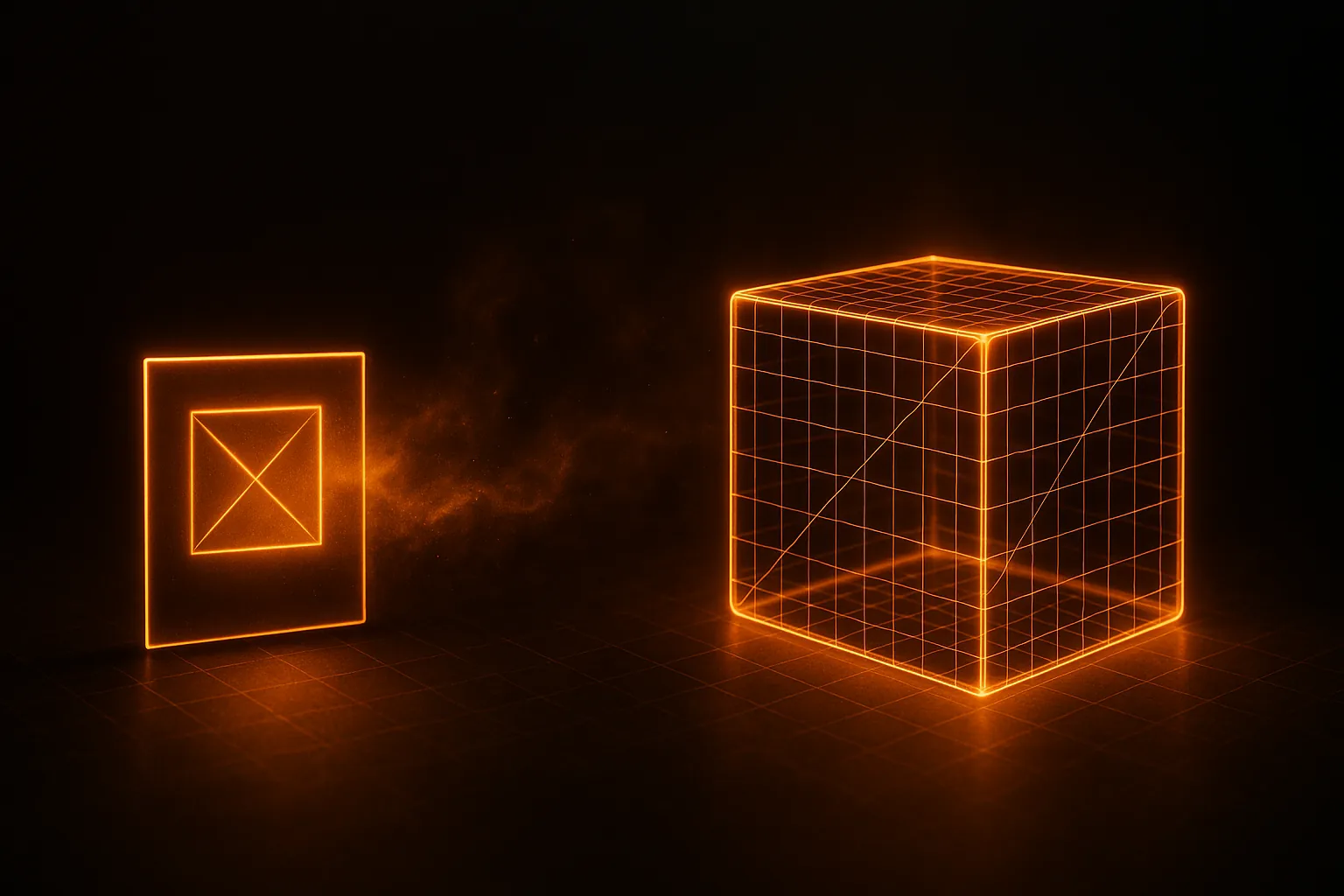
AI 3D generation skips measurement entirely. A neural diffusion model trained on millions of 3D assets looks at a single image and predicts what a plausible 3D mesh would be. It's a guess — but an extraordinarily well-informed one, because the model has internalized what cars, chairs, animals, and props tend to look like in three dimensions.
The whole process runs on a single GPU in roughly 30 seconds. You get a textured GLB with PBR maps, normals, and clean topology. For a step-by-step on the workflow, see how to convert a photo to a 3D model.
The interesting part: the AI invents the back of the object. Photogrammetry can only show you what the cameras saw. An AI generator gives you a complete model from one front-three-quarter shot, hallucinating the rear, the underside, and any hidden geometry based on category priors.
When Photogrammetry Wins
- Maximum geometric accuracy — surveying, engineering, anything where millimeters matter
- Unique real-world objects — a particular sculpture, a specific archaeological find, your grandmother's antique vase
- Cultural heritage preservation — you need to capture this artifact, not a plausible version of it
- Large environments — terrain, building exteriors, real locations for film VFX
- Verifiable provenance — when a client needs proof the model came from the real thing
When AI 3D Wins
- Speed — 30 seconds versus hours or days
- One photo is all you have — a found image, a screenshot, a single product shot
- Common object categories — vehicles, furniture, weapons, generic props the model knows well
- No rig, no booth, no lights — anything a phone camera captures is enough
- Hidden-side reconstruction — when you need a full 360 model from a frontal photo
- Game-ready topology out of the gate — see car models for Unity with AI
Cost Comparison
Photogrammetry asks for either time or money. A serious workstation (RTX 4090, 64 GB RAM) plus a RealityCapture or Metashape license clears $4,000 before you've taken a single photo. Cloud services like Polycam charge per scan or per month. And the operator time — capture, sorting photos, masking, retopology — is the real cost; a clean scan of a single object is half a day of skilled work.
AI 3D generation is closer to a utility bill. HiGen3D's pricing works on credits: a single generation costs a few cents of compute, and there's a free tier. Hardware on your end: a phone. For comparable tools across the space, see the 2026 generator comparison.
Output Quality and Topology
Photogrammetry produces extremely dense meshes — often millions of polygons — with photographic textures that look stunning under any light. The downside: the topology is a triangle soup. Retopology to game-ready quad geometry is its own pipeline stage, and on mobile you'll need aggressive decimation. Optimizing 3D models for mobile games covers that path.
AI 3D generation, by contrast, outputs lower polygon counts (typically 10k–80k tris) with cleaner topology because the model was trained on game assets. PBR maps come baked. The textures aren't quite as photoreal as a true photogrammetric capture under ideal lighting, but for most realtime applications the difference is irrelevant — and PBR textures from AI get you 90% of the way at a fraction of the work.
Use Cases, Side by Side
- Game development (indie) — AI wins almost every time. See the AI 3D pipeline for indie devs.
- Game development (AAA hero assets) — photogrammetry for the few signature props, AI for everything else in the background
- Archviz — photogrammetry for the site, AI for filler furniture and decoration
- E-commerce product viewers — depends on whether the SKU is unique (photogrammetry) or templated (AI is faster and cheaper)
- Research and surveying — photogrammetry, full stop
- Personal projects, prototypes, mood boards — AI
The Verdict
These tools aren't competitors. They're complementary, and the right answer is usually both, on different parts of the same project. If you can photograph the object from many angles and you care about geometric truth, do photogrammetry. If you have one photo and need a usable model fast, use AI.
For most game developers and creators in 2026, the everyday workhorse is AI generation, with photogrammetry reserved for the few cases where reality must be captured exactly. Try a generation with whatever photo you have lying around, and see how close it gets — then browse the community gallery to see what other people are producing from single images.