
Every indie game studio hits the same wall. The design doc calls for forty unique vehicles, a hundred environment props, twenty enemy types. You have one artist, maybe two. The math doesn't work. Either the scope shrinks, the deadline slips, or the asset quality drops to placeholder cubes that never quite get replaced.
AI 3D generation finally moves that wall. Not by replacing artists — by removing the grind from the front of the pipeline so the humans can spend their hours on the things that actually matter.
The Classic Asset Bottleneck
A traditional 3D asset, even a simple one, takes a senior generalist four to twelve hours: reference gathering, blocking, high-poly sculpt, retopo, UVs, baking, texturing, LODs, engine integration. A hero asset like a player vehicle can take a week. For a two-person team trying to ship something playable in twelve months, this math is brutal.
The usual escape hatches — buying from asset stores, commissioning freelancers, scope-cutting — all have ugly trade-offs. Asset stores fragment your visual style. Freelancers cost real money and add coordination overhead. Scope cuts hurt the game.
The New AI-First Pipeline
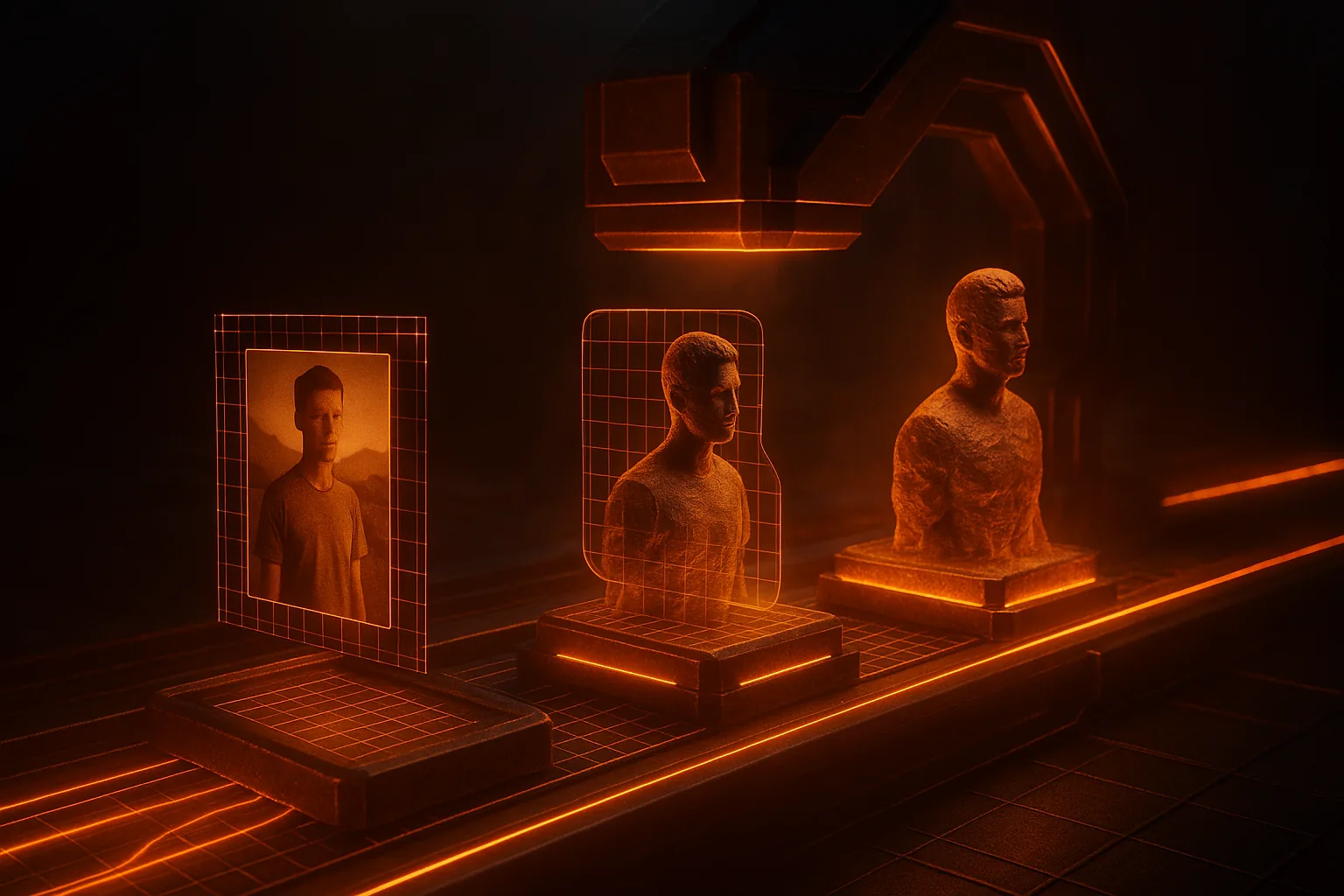
Here's a six-stage pipeline that small teams are using right now. Each stage has a clear hand-off and clear tooling.
1. Source Acquisition
Start with photos, sketches, or reference images. For real-world objects, a phone camera is enough. For original designs, a quick concept sketch or a Stable Diffusion render works. The key insight: you no longer need orthographic blueprints. One good 3/4 view photo is the input. See our guide on turning photos into 3D models for sourcing tips.
2. AI Generation
Feed your source image into a generator. HiGen3D produces a GLB with PBR textures in about 30 seconds. For vehicles, it automatically segments wheels as separate meshes — exactly what a game engine needs. If you're comparing generators, our model comparison covers the trade-offs.
3. Post-Processing
Open the GLB in Blender. Audit the topology with the Statistics overlay. For most props, the AI mesh is shippable as-is. For hero assets or anything close to camera, do a quick retopo pass — RetopoFlow or Quad Remesher handle this in minutes. Generate LOD0/LOD1/LOD2 with the Decimate modifier. Our GLB-to-Blender import guide covers the import nuances.
4. Texture Polishing
AI textures are usually 80% of the way there. The remaining 20% — sharper logos, cleaner trim, custom decals — is where Substance Painter or Mari shines. Bake a new normal map from your retopo'd mesh against the original AI sculpt. For mobile, downsample textures to 1024 or 512 in a batch step. See PBR textures explained for the channel-by-channel breakdown.
5. Engine Integration
Drag the final GLB into Unity, Unreal, or Godot. All three handle glTF natively now. Set up colliders, materials, and prefabs. For Unity vehicles, follow our Unity car setup guide. For UE5 workflows, see AI 3D models in Unreal Engine 5. For mobile-first projects, mobile optimization matters early.
6. QA and Iteration
Drop the asset into a test scene under your real game's lighting. Walk around it. If something looks off, regenerate from a different photo angle rather than fighting the mesh manually. The iteration cost is so low that "regenerate" is often faster than "fix".
Versioning and Asset Library Management
A clean folder structure pays for itself in month two. We recommend /assets/source/ for input images and AI exports, /assets/wip/ for in-progress Blender files, and /assets/final/ for engine-ready FBX or GLB. Naming convention: category_subject_variant_lod_version, e.g. veh_sedan_red_lod0_v03.glb.
Use Git LFS for everything binary. A single GLB can be 5-50 MB; without LFS your repository balloons in a week. Tag every generation with the source prompt or input image so you can regenerate later.
Common Pitfalls
Trusting AI output blindly. Always inspect topology, polycount, and texture density before committing an asset. A 200k-triangle hero car looks fine in screenshots but tanks a mobile build.
Ignoring polycounts. Set a budget per category — props 2k tris, hero assets 50k, characters 30k — and enforce it via the Decimate step.
No fallback workflow. Sometimes the AI just won't get an asset right. Keep a manual path open. Your artist should still know Blender end-to-end.
Cost Analysis
A freelance 3D artist charges roughly $200-800 per asset, sometimes more for hero work. A studio commissioning thirty assets at $400 each is out $12,000 before iteration. An AI generation subscription runs $20-100 a month and produces dozens of attempts per asset. Even with two artists doing cleanup and polish, a team can deliver a full asset library for under $2,000 in tooling spend.
Which Assets to AI-Generate vs Hand-Craft
The rule of thumb: AI for breadth, humans for the hero. AI-generate environment props, background vehicles, secondary enemies, destructibles, collectibles. Hand-craft (or heavily refine) the player character, the main vehicle, anything the camera lingers on in a cutscene. For platforms like Roblox where polycount budgets are tight, AI plus aggressive decimation works for nearly everything.
Sample Weekly Workflow for a 2-Person Studio
- Monday: Designer queues up source images for the week's asset list. Generator runs in batches overnight.
- Tuesday-Wednesday: Artist reviews AI outputs, regenerates rejects, does retopo on hero assets.
- Thursday: Texture polish in Substance Painter for any close-camera assets.
- Friday: Engine integration, LOD generation, playtest in-context. File issues for Monday's regeneration queue.
That cadence ships 15-25 production-quality assets a week with a two-person team. Try it on your next prototype — see the credit packages or join the community gallery to see what other indie studios are producing. If you've got an interesting pipeline of your own, we'd love to hear about it.