
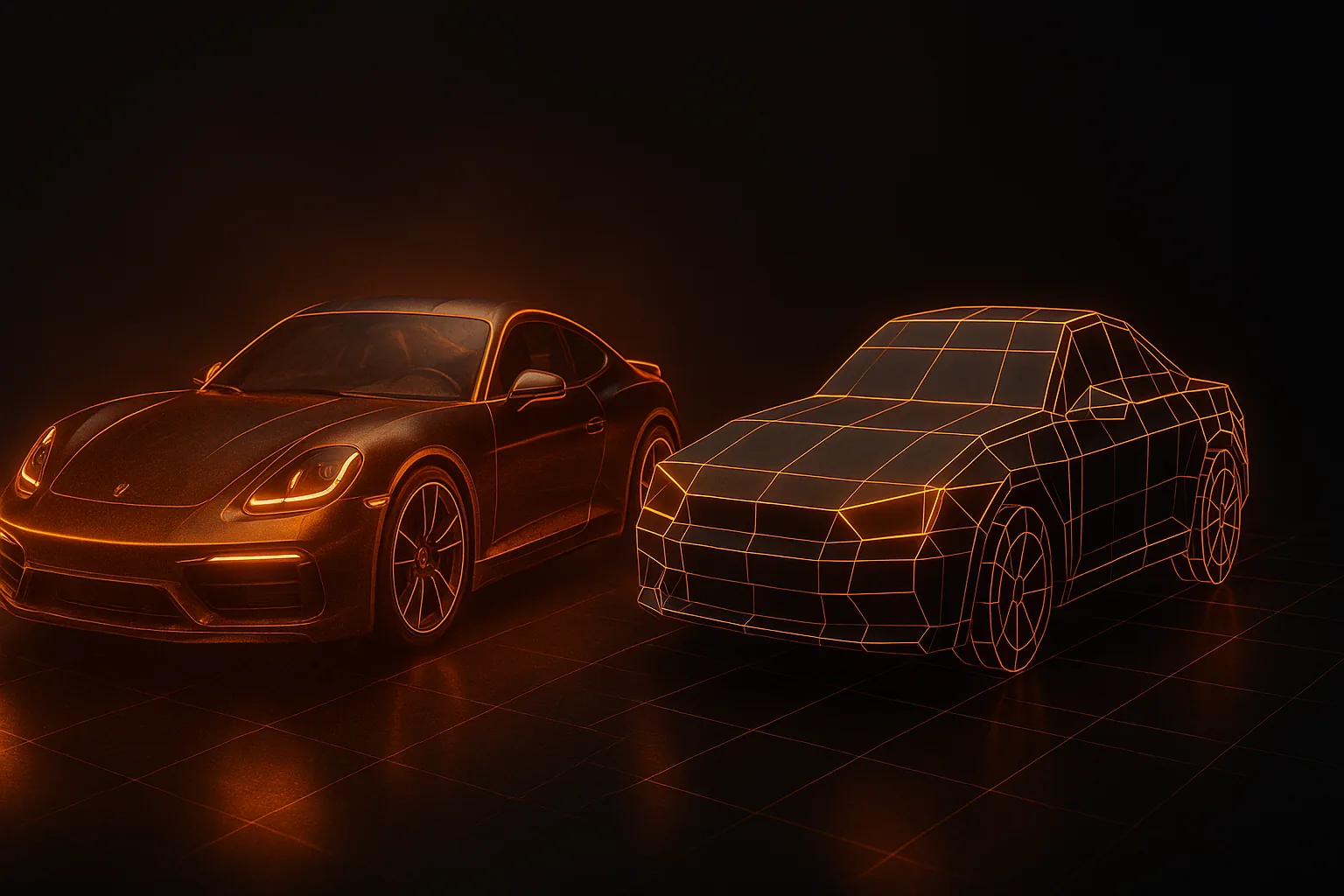
A 3D model that looks gorgeous in your viewport can murder a mid-range Android phone. Mobile optimization isn't about cutting corners — it's about understanding the constraints and designing within them. Get it right and your game runs cool, drains less battery, and ships under the 150 MB install threshold that matters for downloads.
Here's a practical guide to making 3D models that actually perform on phones.
Why Mobile Optimization Is Non-Negotiable
Mobile GPUs are tile-based deferred renderers. They handle geometry differently from desktop, and overdraw is brutal. Beyond raw FPS, four things bite you:
- Thermal throttling — push too hard and the SoC clocks down within 90 seconds, halving performance for the rest of the session
- Battery drain — players quit games that kill their phone in 20 minutes
- Install size — Google Play caps free installs over cellular at 200 MB; iOS App Store at 200 MB without warning the user
- Low-end Android — if you're targeting global markets, half your audience runs on devices weaker than a 2019 iPhone
Polycount Budgets That Actually Work
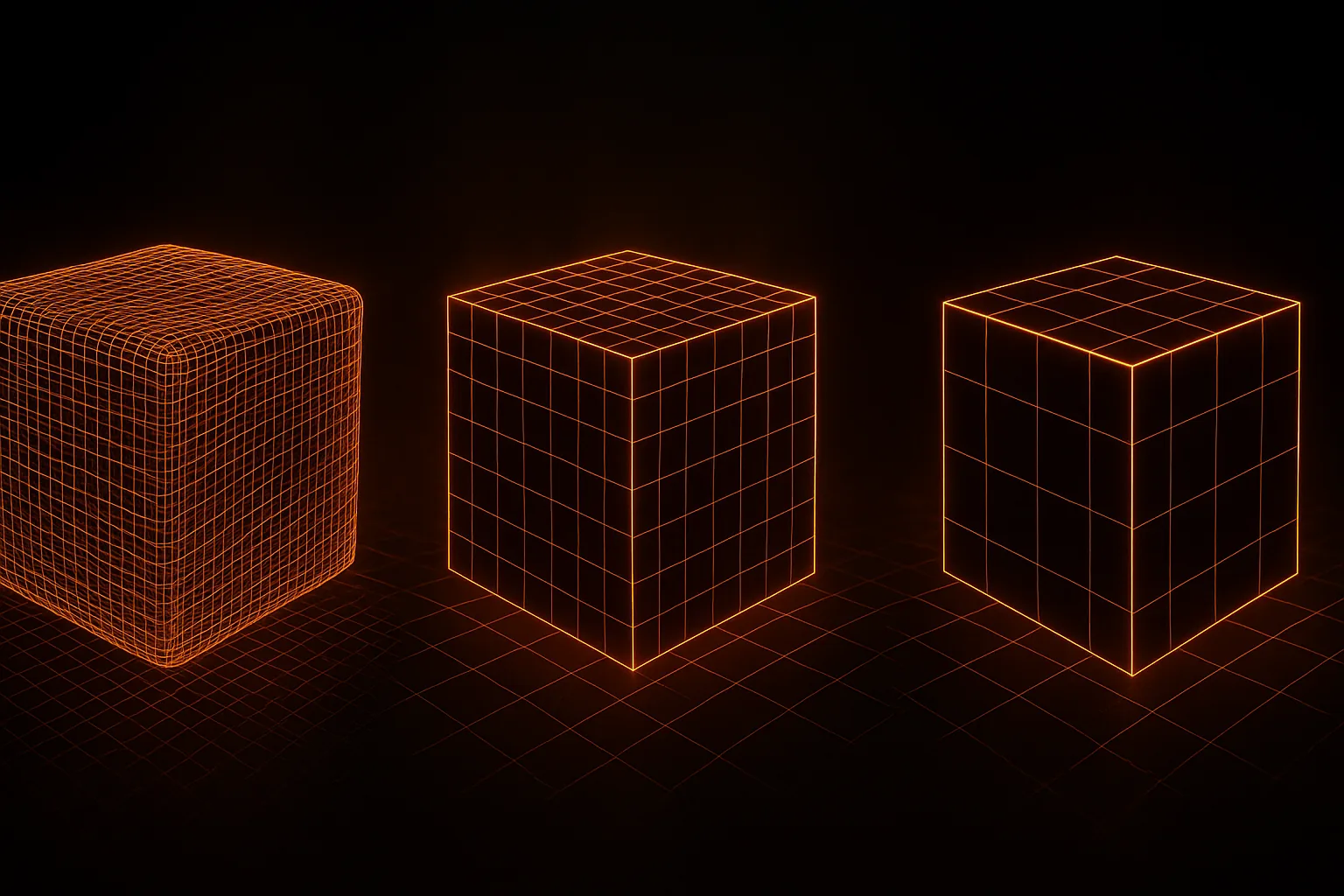
Per-asset budgets for a game targeting mid-range Android (Snapdragon 7-series, ~2022 hardware):
- Hero asset (player car, main character): 5,000–15,000 triangles
- Secondary props (NPC vehicles, breakables): 1,500–5,000 triangles
- Background/distant objects: 200–1,500 triangles
- Total on-screen budget: 100,000–250,000 triangles for the whole scene
iOS is more permissive — Apple's GPUs are roughly 2× more powerful than equivalent Android at the same price point. You can comfortably double these numbers for iOS-first titles. For more on what mobile-friendly AI generation looks like, see our 2026 generator comparison.
LOD Systems: The Biggest Single Win
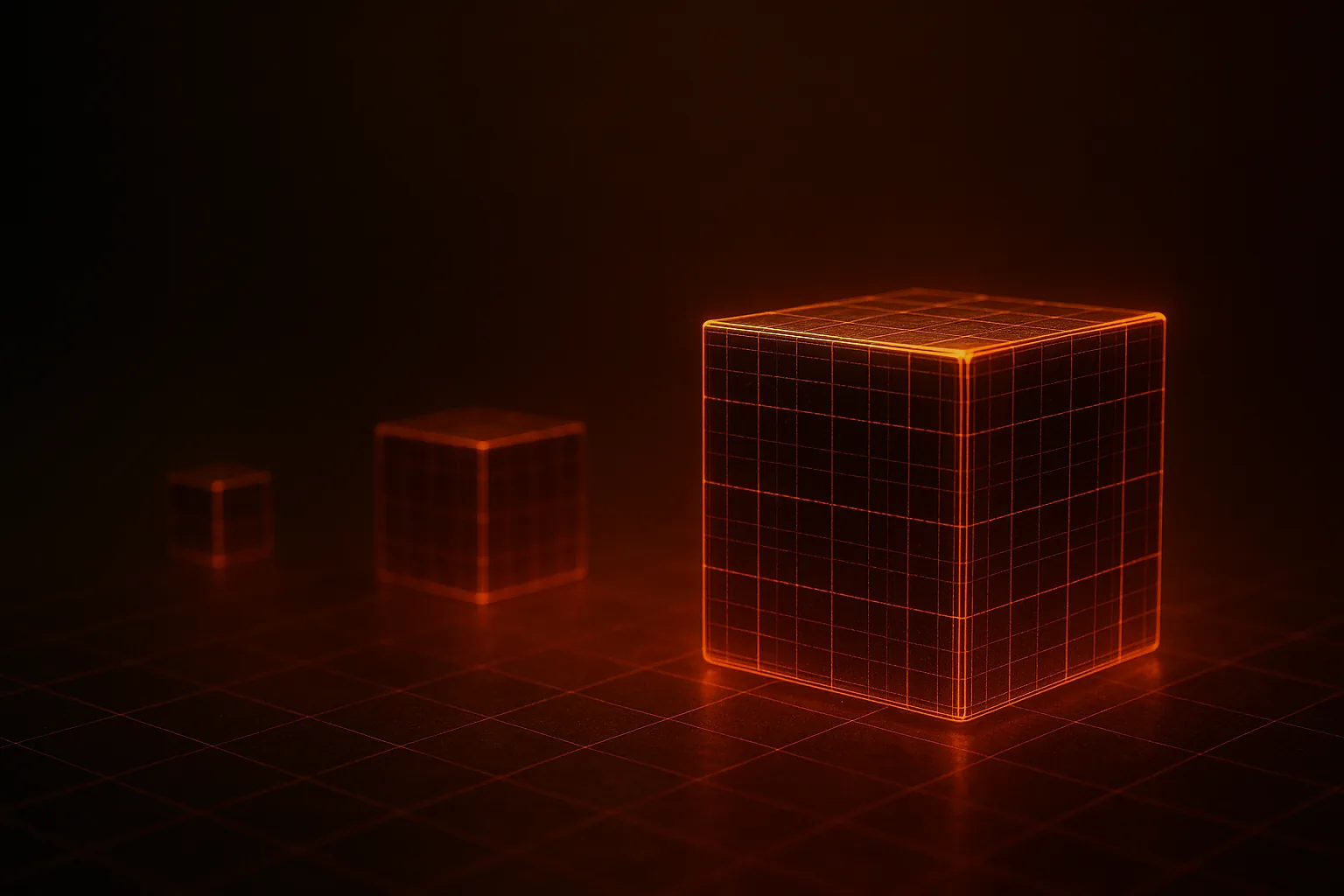
A Level of Detail (LOD) system swaps your high-poly mesh for progressively simpler versions as the camera moves away. Done right, it's the single biggest performance lever you have.
- LOD0 — full quality, used within ~10 m of camera. 100% of source polygons.
- LOD1 — 50% reduction, used 10–30 m out
- LOD2 — 75% reduction, used 30–60 m out
- LOD3 (optional) — billboard or 90%+ reduction, beyond 60 m
Unity has a built-in LOD Group component. Unreal handles it through the Static Mesh editor's LOD section. Both support automatic generation, but hand-tuned LODs always look better at transition distances.
Texture Optimization
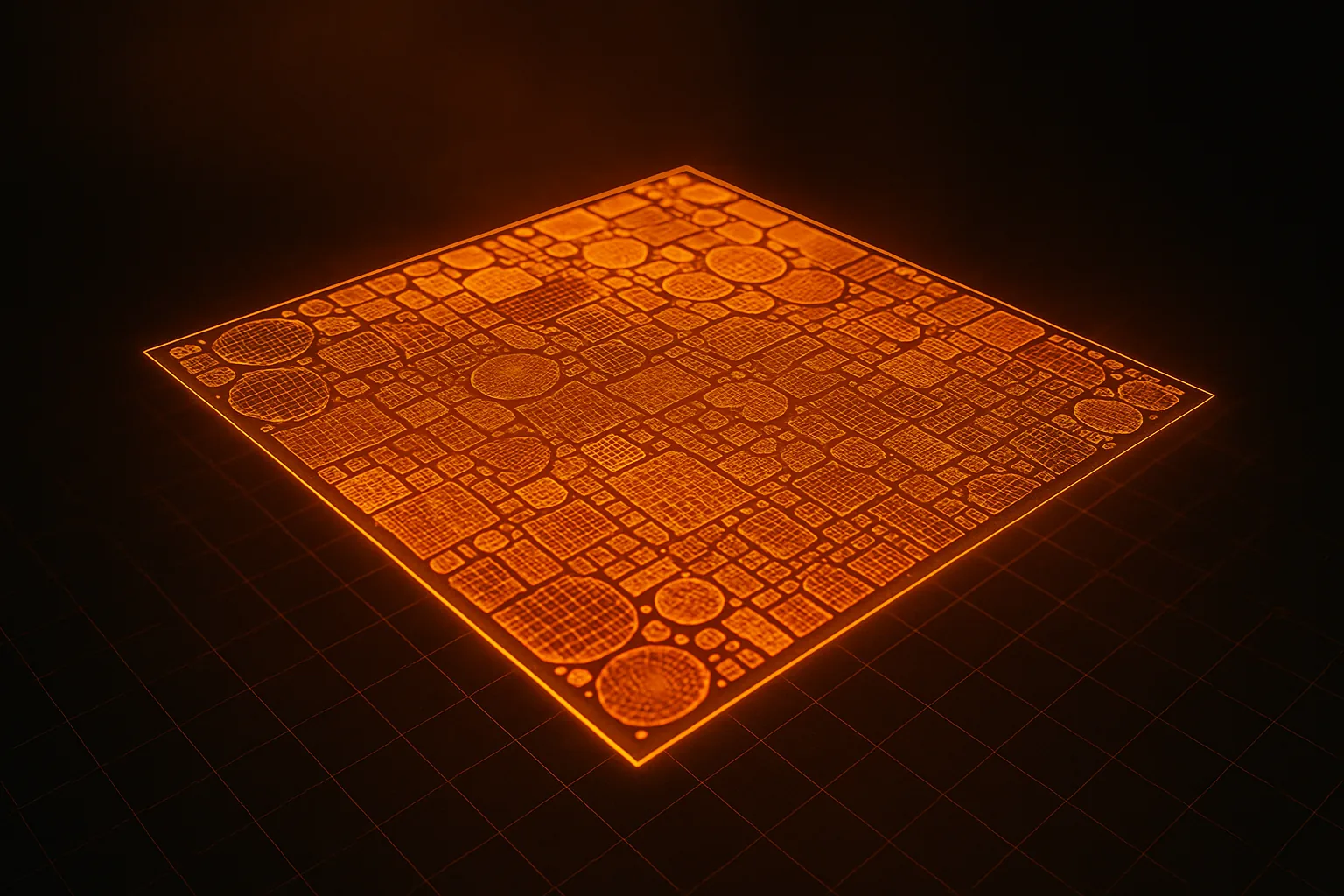
Textures eat more memory than geometry in most mobile games. Three tactics to control them:
Atlasing
Combine multiple objects' textures into a single sheet. One 2048×2048 atlas serving ten props is dramatically cheaper than ten 512×512 textures — fewer texture binds, fewer draw calls.
Compression Formats
- ASTC — use this on modern devices (iOS 9+, Android with OpenGL ES 3.2). Adjustable block size from 4×4 (high quality) to 12×12 (high compression).
- ETC2 — fallback for older Android. Lower quality than ASTC but universally supported on OpenGL ES 3.0+.
- Never ship uncompressed RGBA on mobile. Ever.
Resolution Choices
Hero assets get 1024×1024 or 2048×2048. Background props get 256×256 or 512×512. Mipmaps must be on — they save GPU bandwidth and prevent shimmer.
Draw Call Reduction
On mobile, every draw call costs roughly 0.1 ms of CPU time. Keep your scene under 100 draw calls if you want to hold 60 FPS on mid-range. Two main techniques:
- Material atlasing — objects sharing the same material can batch. Don't give every prop a unique material.
- GPU instancing — for repeated objects (trees, rocks, traffic cones), enable instancing in your shader. Hundreds of instances render in a single call.
Lighting Strategy
Realtime lighting is expensive. Bake everything you can:
- Lightmaps for static geometry — buildings, terrain, props that never move
- Light probes placed every 2–4 meters for dynamic objects to sample baked GI
- One realtime directional light max — the sun. Everything else baked.
- Avoid realtime shadows on mobile, or restrict them to a single hero light with tight cascade range
AI-Generated GLB Tips
AI generators produce meshes optimized for visual quality, not mobile games. Expect to do these passes after generation:
- Decimate — most AI output lands at 30k–80k triangles. Use Blender's Decimate modifier or Unity's Mesh Decimator to drop to your budget.
- Downsample textures — generators often output 2048×2048. Halve to 1024 for hero assets, 512 for props.
- Bake normals from the high-poly source before decimating — this preserves surface detail your reduced mesh can no longer carry geometrically.
- Re-export as GLB with Draco compression if your engine supports it.
If you're new to the AI-to-engine workflow, our indie pipeline guide covers the full path. For texture specifics, see PBR textures explained.
Tools Worth Knowing
- Unity Mesh Decimator (free, open source) — high-quality automatic decimation inside Unity
- Simplygon — industry-standard LOD generation, free for indies under $250k revenue
- Blender Decimate modifier — built-in, works on any platform, great for one-off cleanup
- Crunch / Basis Universal — supercompressed texture formats that transcode to ASTC/ETC2 at runtime, shrinking install size
Profile on a Real Device
The simulator lies. Always profile on the cheapest target device you can buy. Use Unity's Profiler or Unreal Insights connected over USB:
- GPU bound — reduce overdraw, simplify shaders, lower texture resolution
- CPU bound — reduce draw calls, batch more aggressively, cut per-frame allocations
- Memory bound — compress textures harder, stream assets, unload unused scenes
The Bottom Line
Mobile optimization is unglamorous craft work, but it's the difference between a game that ships and a game that gets uninstalled in the first session. Set polycount budgets early, build a proper LOD chain, compress every texture, and profile on real hardware — that covers 80% of the wins.
Ready to source mobile-friendly assets? Generate your first model on HiGen3D, browse community-shared models for inspiration, or check pricing for batch generation. For the photo-to-model basics, start with our beginner guide.